Characters to avoid in file and folder names
File names affect URLs, compatibility between systems and how efficiently you work. A small detail that prevents many problems.
Read the articleAs organizations continue moving toward digital transformation, one question consistently comes up: Is a digital document archive better than a physical, paper-based archive?

As organizations continue moving toward digital transformation, one question consistently comes up: Is a digital document archive better than a physical, paper-based archive?
While both methods store information, the differences in efficiency, security, cost, and scalability are dramatic. In today’s fast-paced environment-where instant access, collaboration, and compliance matter more than ever-a digital archive offers clear and measurable advantages.
This article explains the key benefits of a digital document archive, supported by practical examples, use cases, and the long-term impact on business operations.
A digital document archive is a centralized, electronic storage system where organizations keep their records, files, and data in searchable, secure, digital formats.
Examples include:
These archives often use metadata, indexing, OCR (optical character recognition), and powerful search tools to make documents easily retrievable and usable.
A physical archive consists of paper records stored in physical locations such as:
While widely used historically, physical archives come with limitations: slow retrieval, risk of damage, and high long-term maintenance costs.
Searching through physical files can take minutes, hours, or even days. Digitized archives reduce that to seconds.
Example: A legal assistant looking for “Contract 2022 – Amendment 3” can find it instantly using keyword search, instead of digging through filing cabinets or storage boxes.
Physical archives require ongoing investments in:
A digital archive eliminates most of these expenses. While there is an initial digitization project and software cost, the long-term savings are substantial.
Paper files can be:
Digital archives provide stronger security through features such as:
Result: Much stronger protection against unauthorized access and data loss compared to traditional filing rooms.
Fires, floods, theft, and natural disasters can destroy physical archives permanently. Once paper is gone, it’s gone.
Digital archives, especially cloud-based ones, offer far better resilience through:
This ensures business continuity even in catastrophic events.
Modern regulations (HIPAA, SOX, GDPR, ISO standards, etc.) require secure retention, traceability, controlled access and proof of document integrity.
Digital archives make compliance easier by providing:
A growing physical archive requires more shelves, more rooms, or paid off-site storage. Over time, this becomes a major logistical and cost burden.
A digital archive replaces filing rooms, cabinets, and warehouse aisles of boxes with compact digital storage that grows without taking up physical space.
Physical archives require people to be onsite to access files. Copies need to be physically transported or scanned and emailed.
Digital archives allow teams to:
Physical documents often lead to multiple versions and outdated copies circulating across teams, causing confusion and errors.
Digital archives provide:
This ensures everyone works from the correct version of a document, reducing mistakes and rework.
Physical archives rely heavily on paper, ink, storage, and transportation. Over time, this has a significant environmental footprint.
Digital archives help reduce:
For organizations with sustainability goals, digitization is a concrete and visible step forward.
| Feature / Benefit | Digital Archive | Physical Archive |
|---|---|---|
| Search speed | Seconds (keyword search, filters, OCR) | Minutes to hours (manual search) |
| Access | Anywhere, anytime (with permissions) | Onsite only, often during business hours |
| Security | Encryption, access control, audit logs | Locks, keys, manual sign-in sheets |
| Disaster resilience | High (backups, geo-redundancy) | Low (fire, flood, theft risk) |
| Cost over time | Lower (after initial setup) | High (space, labor, off-site storage) |
| Space requirements | Minimal physical footprint | Significant space needed |
| Collaboration | Instant sharing and remote access | Difficult, slow, copy-based |
| Version control | Automated and trackable | Manual and error-prone |
| Compliance support | Strong (logs, policies, fast retrieval) | Weak (manual tracking, slow audits) |
| Sustainability | High (reduced paper and waste) | Low (continuous paper use) |
Any organization dealing with high volumes of documents-especially those under regulatory oversight-stands to benefit from a digital archive.
Organizations that transition from physical to digital archives often report:
Digitization is not just a technical upgrade-it’s a strategic transformation that affects the entire organization.
While physical archives once served their purpose, today’s business environment demands faster access, stronger security, and scalable storage solutions. A digital document archive is superior in nearly every category:
For any organization serious about efficiency, risk reduction, and long-term growth, digitization is not just beneficial-it’s essential.
The first step is the archive assessment: a clear report on what you have, what can be processed, how long it takes and with what risks.
Request an archive assessment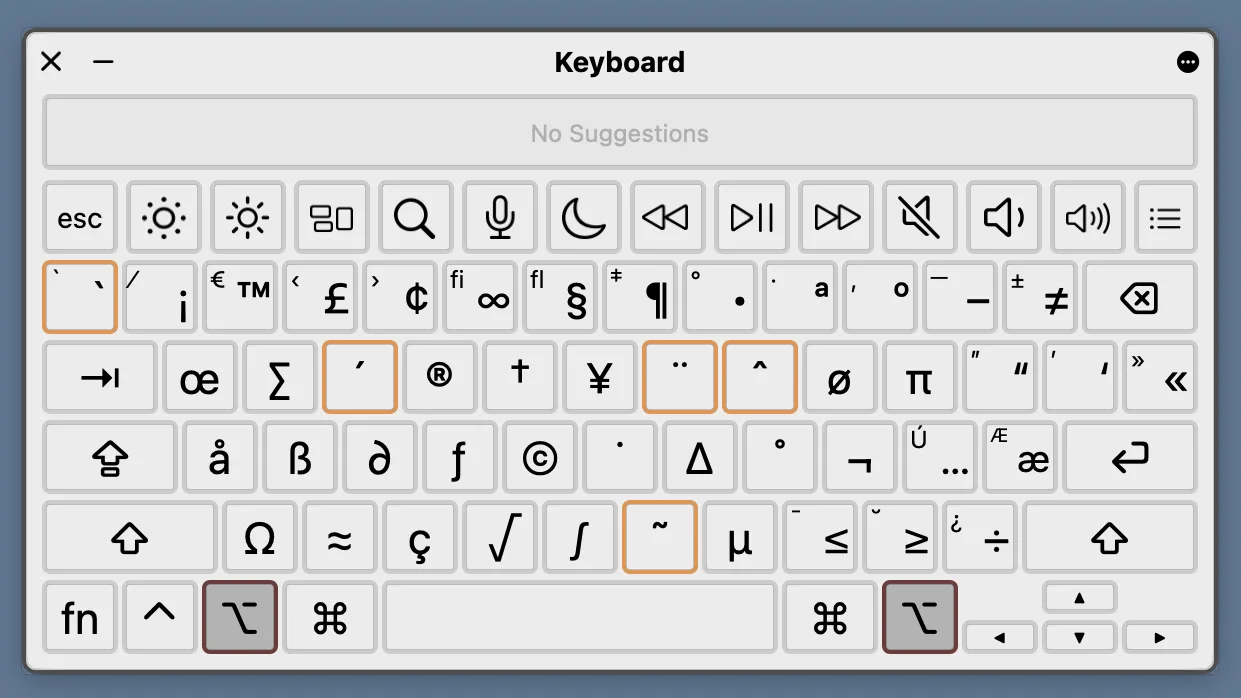
File names affect URLs, compatibility between systems and how efficiently you work. A small detail that prevents many problems.
Read the article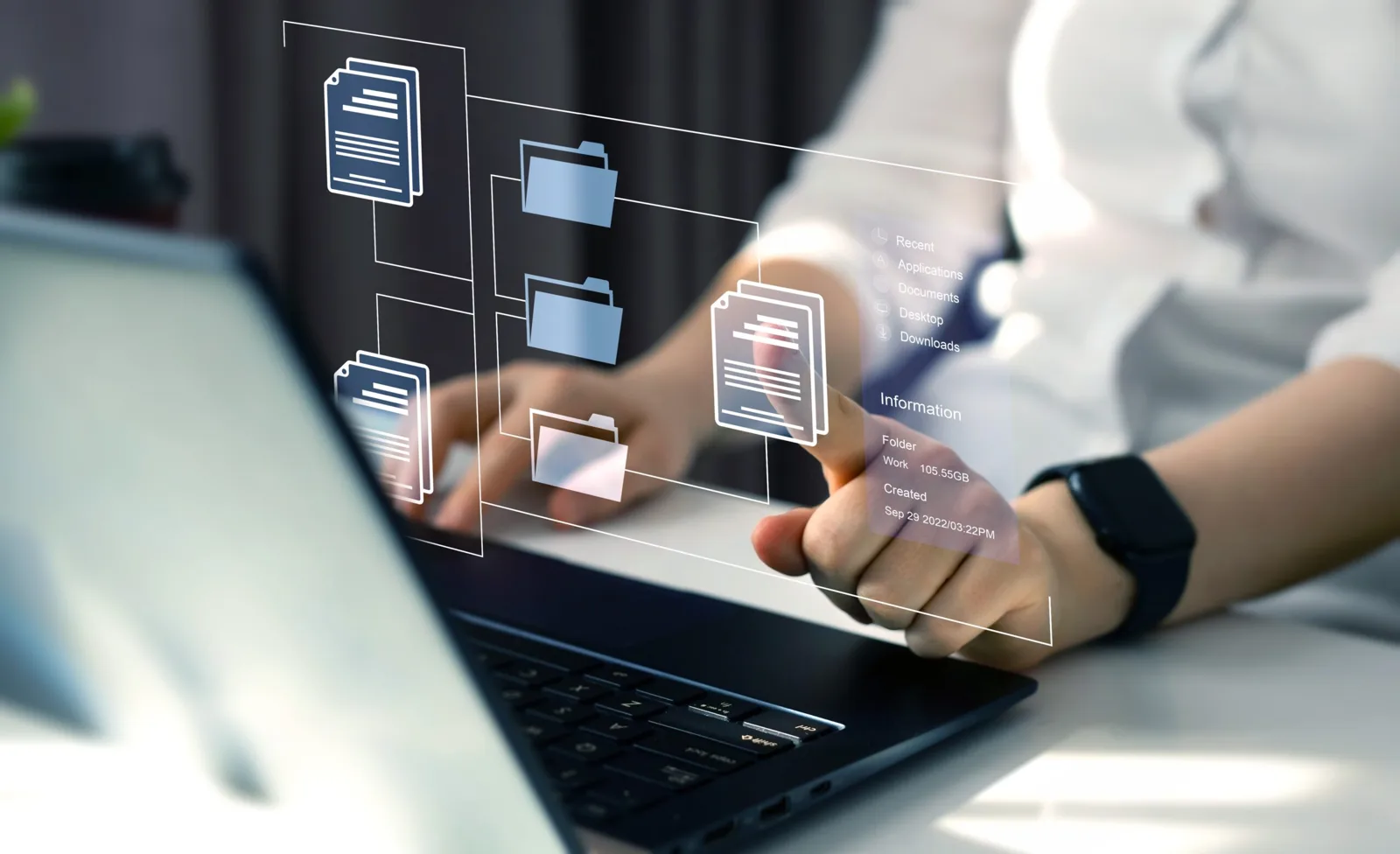
In an increasingly digital legal world, law firms face ever larger volumes of documents. Processing them intelligently, with OCR, AI and machine learning, is becoming a priority for efficiency and competitiveness in 2026.
Read the article
Almost all of us use Ctrl + F (or Cmd + F on a Mac) to find a word quickly in a document or on a web page. It is simple, fast and familiar. The problem starts when you work with thousands of documents.
Read the article