Characters to avoid in file and folder names
File names affect URLs, compatibility between systems and how efficiently you work. A small detail that prevents many problems.
Read the articleIn an increasingly digital legal world, law firms face ever larger volumes of documents. Processing them intelligently, with OCR, AI and machine learning, is becoming a priority for efficiency and competitiveness in 2026.

In an increasingly digital legal world, law firms face ever larger volumes of documents. Processing them intelligently, with the help of OCR, AI and machine learning, is becoming a priority for efficiency and competitiveness in 2026.
IDP is a mix of OCR, NLP and AI that automates the reading, extraction and classification of documents, turning unorganised content into useful data for lawyers and legal professionals.
Modern OCR recognises printed characters, handwriting and complex layouts, and is essential when digitising legal documents.
Automatic extraction of clauses, names, amounts and relevant deadlines speeds up analysis and reduces errors.
Automatic identification of document types, archiving and indexing can be fully automated, saving valuable time.
AI can suggest alternative clauses, identify inconsistencies or generate quick summaries, reducing analysis time.
Legal documents must be protected with encryption, authentication and GDPR compliance. Choose certified solutions.
After implementation, monitor efficiency: accuracy, time saved and optimised costs. Keep adjusting the AI.
Choosing the right partner makes the difference
Digital transformation in law firms demands more than a technical solution. It demands vision and expertise. At scanalytix.ai we offer tailored intelligent document processing solutions, adapted to legal needs. Get in touch and let us start the change together.
The first step is the archive assessment: a clear report on what you have, what can be processed, how long it takes and with what risks.
Request an archive assessment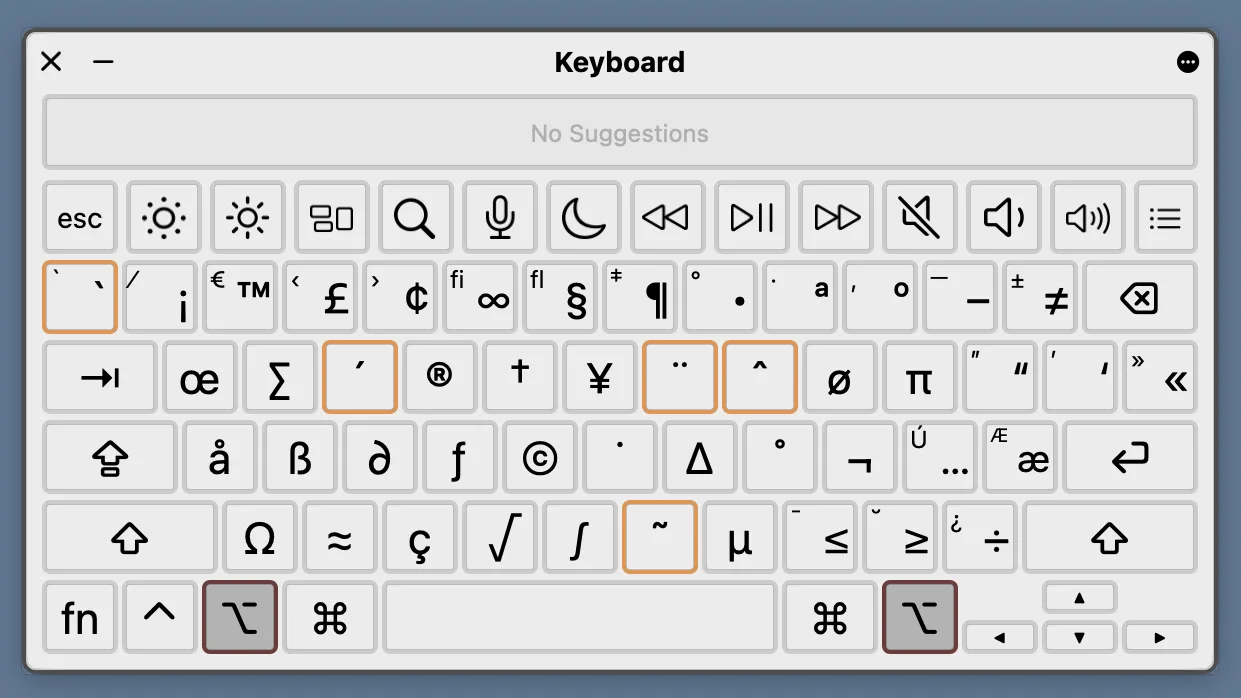
File names affect URLs, compatibility between systems and how efficiently you work. A small detail that prevents many problems.
Read the article
Almost all of us use Ctrl + F (or Cmd + F on a Mac) to find a word quickly in a document or on a web page. It is simple, fast and familiar. The problem starts when you work with thousands of documents.
Read the article
As organizations continue moving toward digital transformation, one question consistently comes up: Is a digital document archive better than a physical, paper-based archive?
Read the article